01
Omni-Creation
Generate with up to 20 reference assets, including creative material parsed from documents and webpages.
Animate images with Wan 3.0
Upload an image, describe the motion, and create a video up to 30 seconds in 1080p with audio. Switch to Text to Video or Reference for other ways to create.
Choose 2–30 seconds. Review the credit estimate below before generating.

A light, dreamy live-action commercial: a young…
Demo 1 of 5 · Click the video to view its full prompt and settings.
Created with Wan 3.0
Explore Wan 3.0 video examples with their complete, copy-ready prompts and generation settings.

The video starts from the first frame shown in image1. 0-8s:…

The video starts from the first frame shown in image1. 0-3s:The…

The video starts from the first frame shown in image1. 0-3s…

The video starts from the first frame shown in image1. 0-3s The…

The video starts from the first frame shown in image1. 0-5s:…

The video starts from the first frame shown in image1. 0-3s:…

A crane shot begins as a Go piece falls onto the board; the…

A five-shot, 15-second Hong Kong literary film-style short,…

One continuous handheld shot follows an old man sitting on a…

At a Qin-dynasty battlefield site on a loess plateau, the…

A fifteen-second low-angle upward shot of a Chinese classical…

Generated with reference to image1 and image2. Theme: spatial…

A 15-second 16:9 surreal high-altitude fashion concept film set…

Generated with reference to image1. A rhythmic epic showing the…

A 10-second, 16:9, 25fps short film blending realistic city…

Generated with reference to image1. Generate a 15-second 16:9…

Generate a 6-second, 16:9, 30fps surreal city-event short film…

American drama color grading with warm-cool contrast and…

A 15-second, 16:9, 30fps premium compact camera concept ad…

The girl in image1 wears the off-white lace blouse from image2,…

Fantasy epic style: a heavy war bow long-range dragon hunt in…

Also generated with reference to image2. A realistic heavy…

A 20-second 21:9 ultra-widescreen plush universe adventure,…

Generated with reference to image1. A 16:9, 21-second…
Wan 3.0 image to video
Use Wan image to video on XRMM to animate a still image with motion and audio. Choose Image to Video in the generator, upload your first frame, and describe what happens next.
Upload a first frame and optionally a last frame. Describe the subject movement, camera direction, and sound you want. For example: a slow camera push toward a product, soft reflections moving across its surface, and quiet room ambience.
Choose 480p, 720p, or 1080p and an output duration from 2 to 30 seconds. For a 30 second AI video generator workflow, use text or image inputs without a video reference. In Reference mode, input video and output share the 30-second limit: a 5-second reference leaves up to 25 seconds for the generated clip.
Use Text to Video to start without an image, or Reference to guide the scene with multiple assets. Review the credit estimate before generating.
Start with an imageExplore reference to videoWan 3.0 features
Omni-reference creation, native 30-second storytelling, pixel-level consistency, and flexible multimodal controls in one model.
Generate with up to 20 reference assets, including creative material parsed from documents and webpages.
Tell longer, more complete stories with native 30-second generation and intelligent control over duration.
Reproduce reference details with greater precision for more predictable, production-ready results.
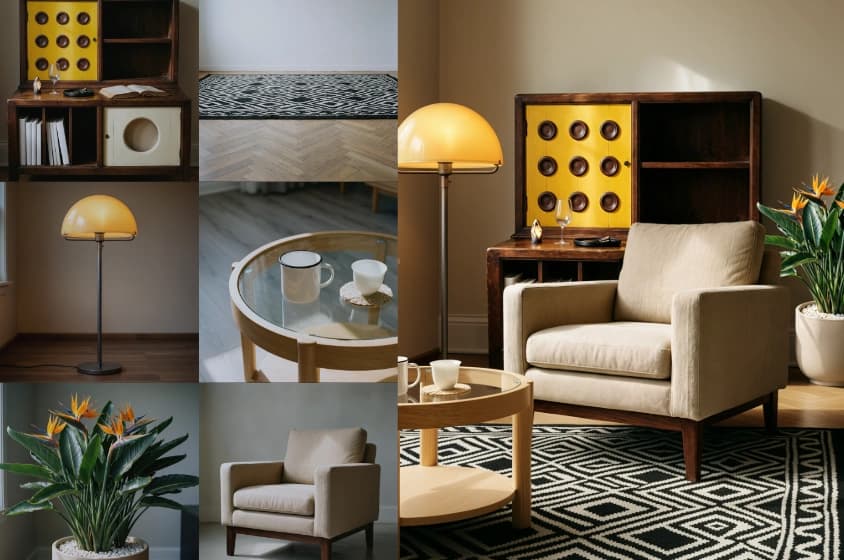
Add images, video, or audio in Reference mode to guide characters, movement, and sound. Reference video and generated output share a 30-second limit; input video also counts toward the credit cost.
Create with references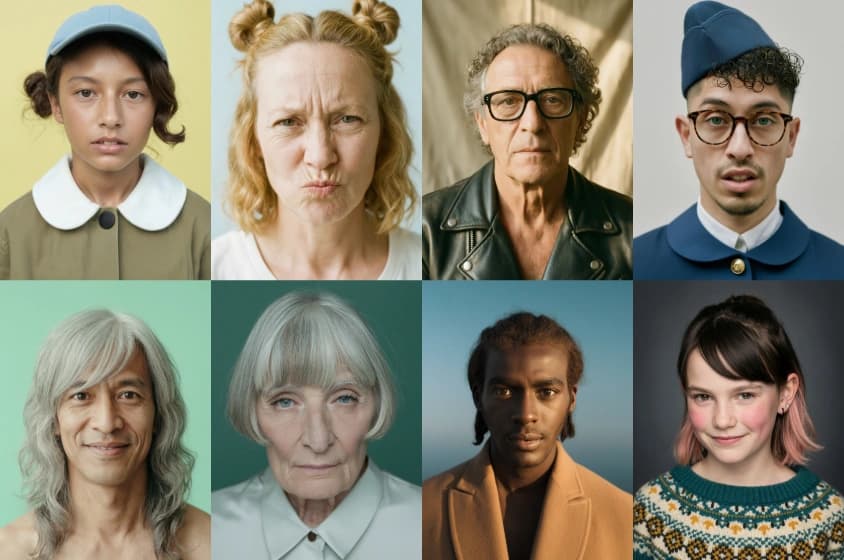
Keep characters, props, and spatial relationships easier to follow as the action develops across a longer clip.
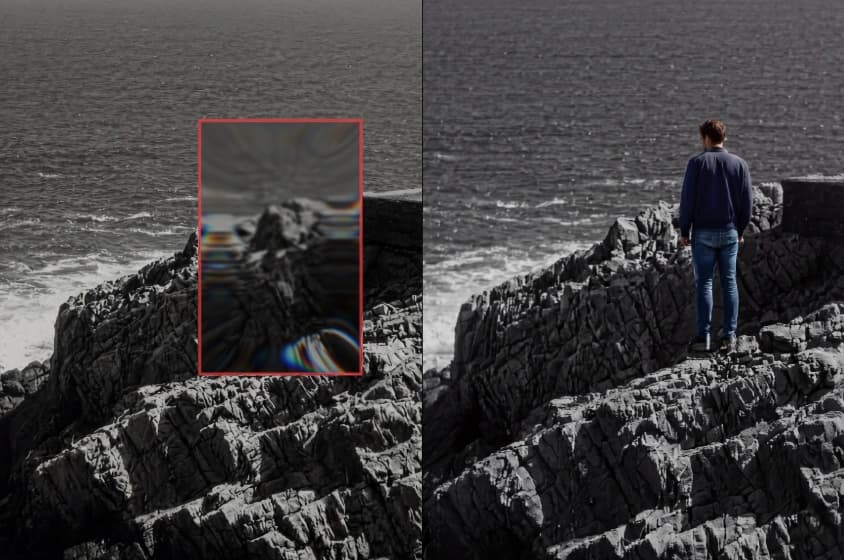
Lock 16:9, 9:16, or 1:1, or let the model choose the frame. Define starting and ending frames when a scene needs two visual states.
Three simple steps
Move from an idea to a finished Wan 3.0 video without a separate editing workflow.
01
Describe what the viewer should see and hear. Include the subject, action, setting, shot type, camera movement, lighting, dialogue, and environmental sound.
02
Upload images, video clips, or audio when you want to preserve a subject, product, movement, or sound. Then choose aspect ratio, duration, and output.
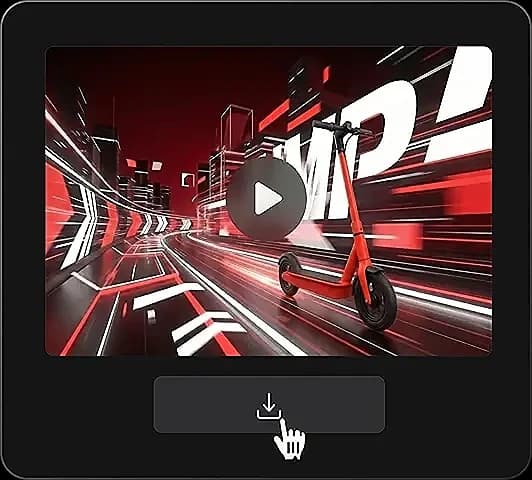
03
Review motion, subject details, framing, and audio timing together. Download the clip, or revise one instruction and generate another version.
What you can create
From social drafts to product concepts and pre-visualization, Wan 3.0 helps teams see and hear an idea before a full production pass.
Make short scenes for feeds, Shorts, Reels, and other social formats. Combine motion and audio in the same draft before spending time on a full edit.
Turn a product image or campaign idea into a moving concept. Use the 30-second limit to introduce the setting, show the product, and close on a stable frame.
Translate a written scene into something a team can watch and discuss. Explore framing, movement, pacing, and sound before a shoot.
Describe the intended rhythm, environment, and movement, then generate a visual concept with audio for a music-led post or atmosphere study.
Use image to video to explore how an existing product visual could move. Generate variations, then choose the clearest concept.
Workflow comparison
The Wan 3.0 AI Video Generator changes where you begin. Use it when you need to see and hear an idea quickly.
| Workflow area | Wan 3.0 AI Video Generator | Traditional production |
|---|---|---|
| Starting material | A text prompt or still image | Script, shot list, location, cast, and equipment |
| Picture | Generated as native 1080P video | Recorded or animated, then edited |
| Clip length | Up to 30 seconds per generation | Determined by captured footage and edit |
| Audio | Generated with the video | Recorded, sourced, and mixed separately |
| Iteration | Revise the prompt and generate another version | Reshoot, reanimate, or rebuild the edit |
| Best fit | Concepting, short-form scenes, variations, and pre-visualization | Projects that require complete manual control and final-frame precision |
Wan 3.0 does not remove the value of editing or production. Move into a traditional workflow when the final project requires exact performances, legal clearances, or frame-by-frame control.
Why Wan 3.0
Wan 3.0 combines longer clips, synchronized audio, native 1080P, and flexible text or image starting points in one generation workflow.
A clip can run for up to 30 seconds, giving a visual idea space to develop. Plan an opening, an action, and a closing beat without treating every moment as a separate generation.
Synchronized audio is part of the generation rather than an afterthought. The first result is easier to judge as a complete scene, so timing problems show up earlier.
Wan 3.0 produces native 1080P video for common publishing and editing needs. Focus on the scene instead of beginning with a small draft that depends on a later upscale.
Begin from language when the concept is still open, or begin from an image when a subject or look is already defined. Both workflows use prompts to direct motion, camera, and audio.
Prompt craft
Concrete shot instructions, visible details, and clear audio cues help Wan 3.0 build a readable scene.
Give each visual beat its own sentence. State who or what appears, what changes, and how the shot is framed. For a longer clip, order the beats from opening to close.
Use concrete light, location, color, lens distance, and movement. Replace “beautiful commercial” with directions such as “soft window light, waist-height camera, slow push toward the product.”
Include dialogue only when it matters, and write the exact line. Add relevant ambient sound and action cues, such as rain against a window or footsteps on tile.
Do not overload one prompt with unrelated subjects and competing movements. A clear central action gives Wan 3.0 a better chance of producing a readable scene.
For a video longer than about 10 seconds, describe the action in clear stages. Give each stage a visible goal and state how the scene should end.
Wan 3.0 does not use a traditional negative prompt field. Add exclusions to the main prompt as plain instructions, such as “no text on screen.”
Simple, one-time pricing
Choose a credit pack once. Your credits stay available until you use them.
What's included
What's included
What's included
What's included
Choose one-time credits • Flexible billing options
Product answers
Quick answers about access, creating videos, credits, and downloads.
Turn a prompt or image into a native 1080P clip up to 30 seconds long, with synchronized audio generated alongside the picture.
Create with Wan 3.0