01
Superior Quality with Wan 2.7
Visual fidelity, audio synthesis, and motion all get a boost. Wan 2.7 offers sharper details, more natural movement, and stronger frame-to-frame coherence—built for pro content and high production standards.
One panel for text or image-to-video, plus video-to-video, reference, and video edit — 720P–1080P output with optional audio.
No start image: text-to-video. With a start image: image-to-video. Aspect ratio applies to text-only generation.
Click to add a first frame (optional)
Used when generating from text only.
Click to upload audio
MP3, WAV (max 20MB)

A cute 3D cartoon puppy sitting on a wooden terrace by a…
New in the Wan series
Build clips up to 30 seconds from text or images, with native 1080P picture and synchronized audio created together in one pass.
Explore Wan 3.0Wan 2.7 features
Sharper motion, tighter controls, subject consistency, and 1080P output for production-ready clips.
Visual fidelity, audio synthesis, and motion all get a boost. Wan 2.7 offers sharper details, more natural movement, and stronger frame-to-frame coherence—built for pro content and high production standards.
Start/End Frame input and 3x3 Grid Image-to-Video give you precise transitions and multi-perspective results. Wan 2.7 puts more control over composition, pacing, and creative direction in your hands.
Subject and Voice Reference cloning keep characters and voices consistent across clips; instruction-based editing lets you change shots using natural language. Wan 2.7 helps teams replicate people, products, or brands with less manual work.
Feed in real human images and Wan 2.7 produces 1080P video from 2 to 15 seconds. Identity, expression, and motion stay true—suited for ads, testimonials, social content, and other real-world applications.
Three simple steps
Move from a reference image to a finished Wan 2.7 video without a separate editing workflow.
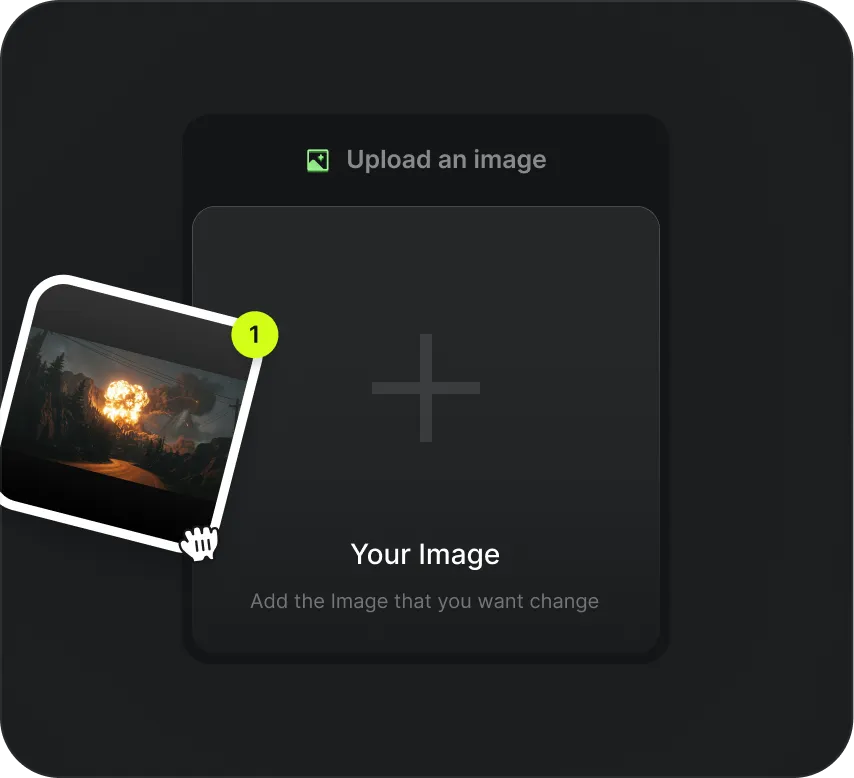
01
Add an image or visual reference to define subject, scene, or style. Wan 2.7 uses this to guide framing, atmosphere, and consistency in your generated video.
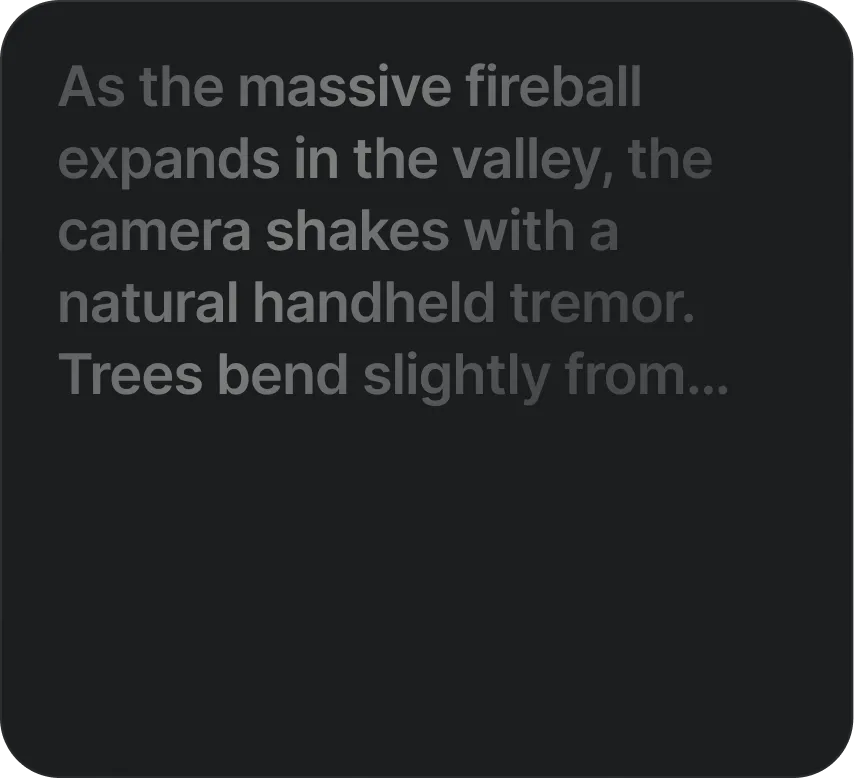
02
Enter your prompt for action, tone, and style, then set duration, format, and other Wan 2.7 model settings. Simple for beginners, with enough control for pro output.
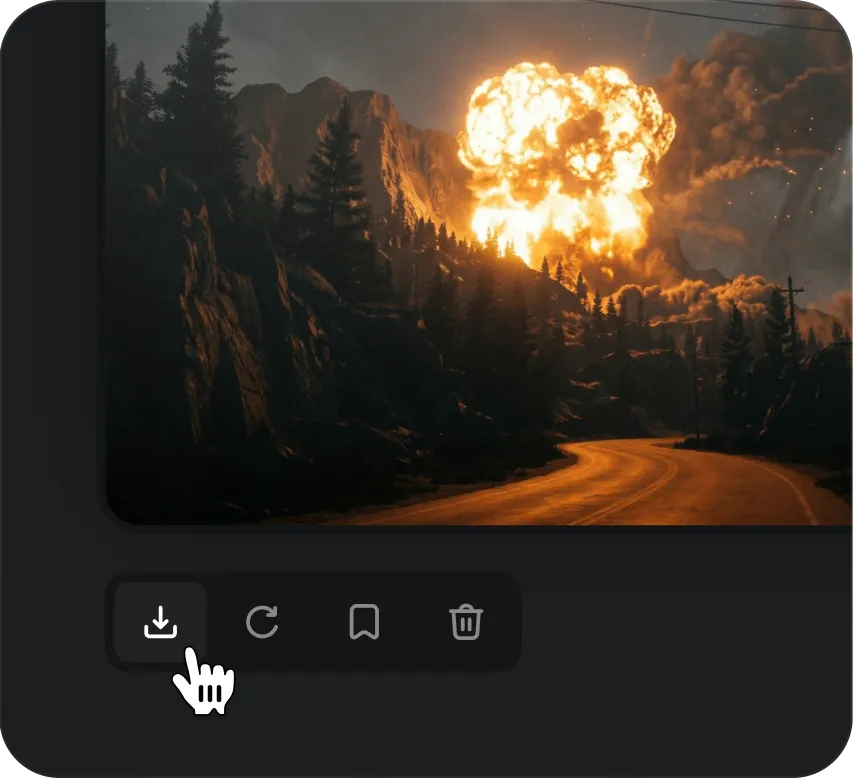
03
Create your video in one click. Review and refine prompt or reference as needed. Wan 2.7 is built for fast iteration so you can revise without slowing down.
What you can create
From social calendars to paid media and product stories, Wan 2.7 helps teams ship video faster.

Wan 2.7 helps creators and brand teams produce short-form video for fast-moving platforms. The Wan 2.7 AI Video Generator supports content calendars, trend campaigns, and always-on publishing with a faster turnaround.

Performance teams use Wan 2.7 to create ad creatives, promo clips, landing page videos, and campaign variations. Wan 2.7 makes testing new angles easier by cutting production time and boosting creative output.

The Wan 2.7 AI Video Generator works well for feature highlights, walkthroughs, launch trailers, and product education. Wan 2.7 helps teams show value visually instead of static screenshots or long text.

Educators, coaches, and internal teams turn scripts, lessons, and process guides into engaging video with Wan 2.7. Wan 2.7 supports faster updates and scalable learning materials for customer-facing and internal use.

Agencies need repeatability, speed, and high output quality. Wan 2.7 AI Video Generator helps creative teams develop concepts, deliver client-ready assets, and manage more video work with less overhead.

Product and brand teams create product demos, lifestyle clips, and promotional videos at scale with Wan 2.7. Wan 2.7 helps ecommerce brands stand out with consistent, high-quality video for product pages and campaigns.
Gallery
A selection of Wan 2.7 outputs across motion, atmosphere, and cinematic framing.
Simple, one-time pricing
Choose a credit pack once. Your credits stay available until you use them.
What's included
What's included
What's included
What's included
Choose one-time credits • Flexible billing options
Product answers
Common questions about Wan 2.7 quality, inputs, and who the model is for.
Turn prompts and images into polished videos with more speed, control, and quality.
Create with Wan 2.7